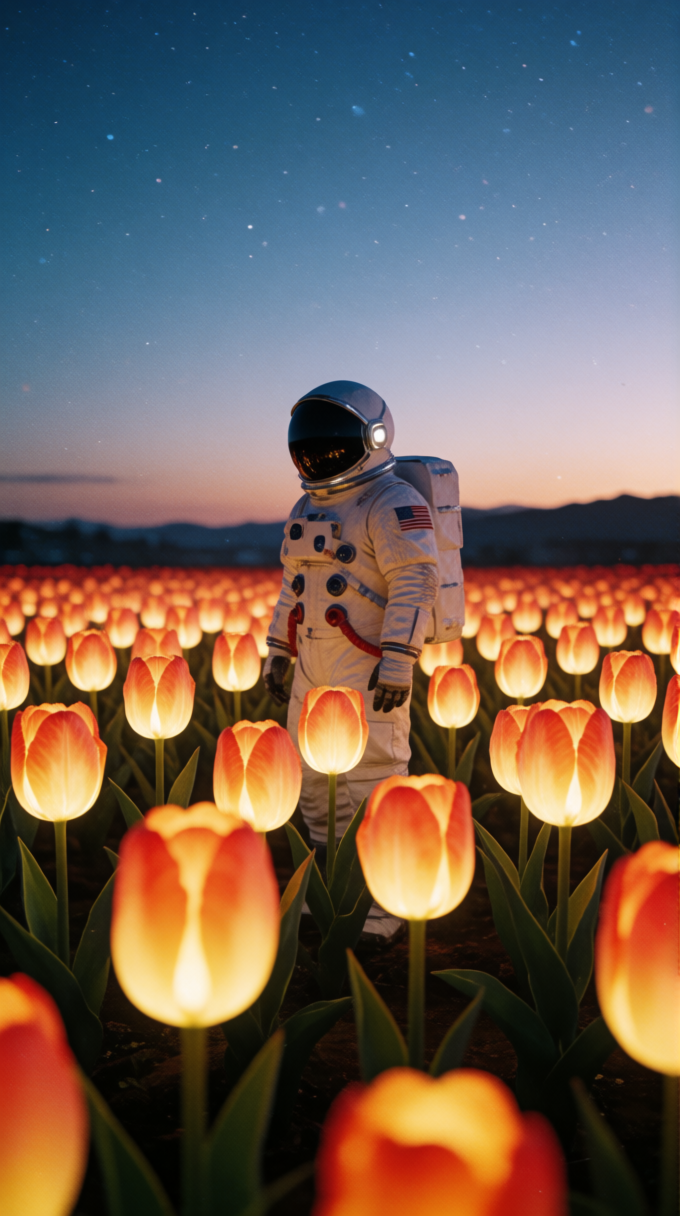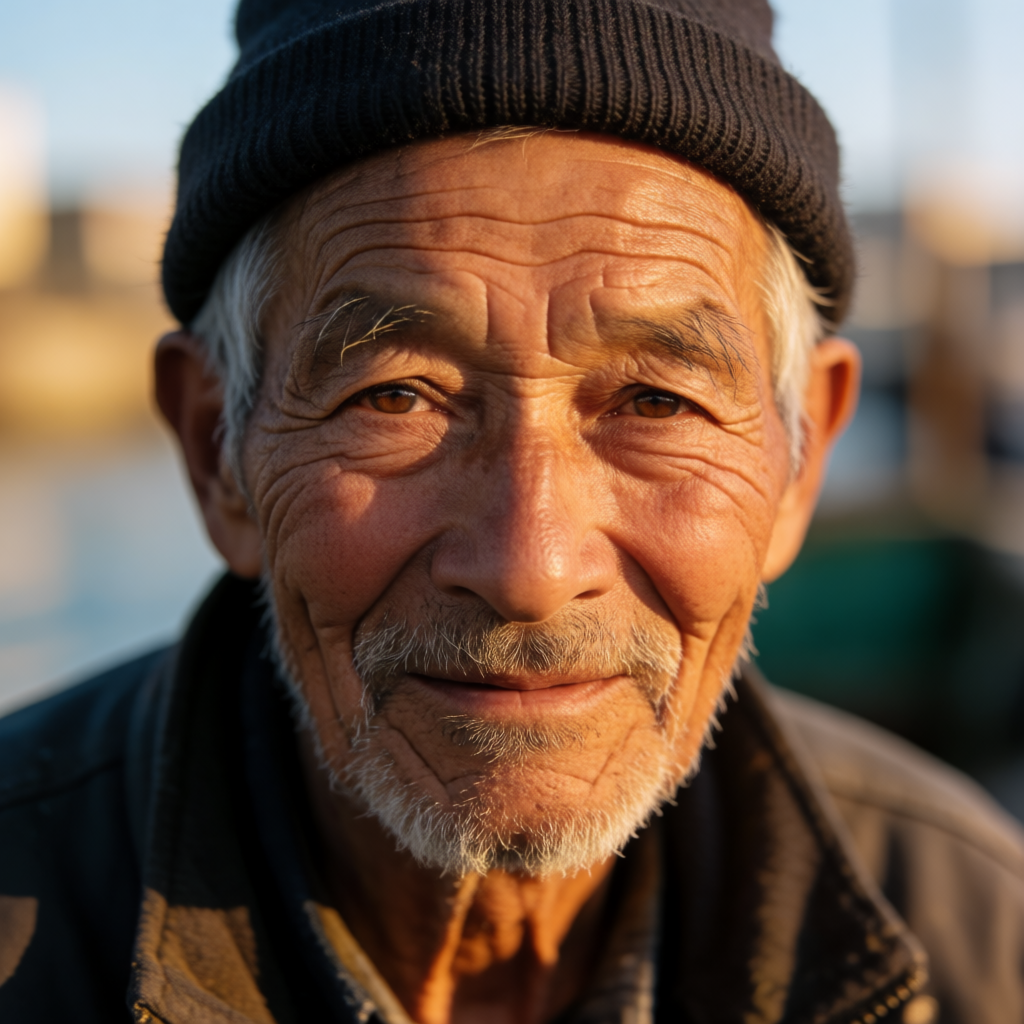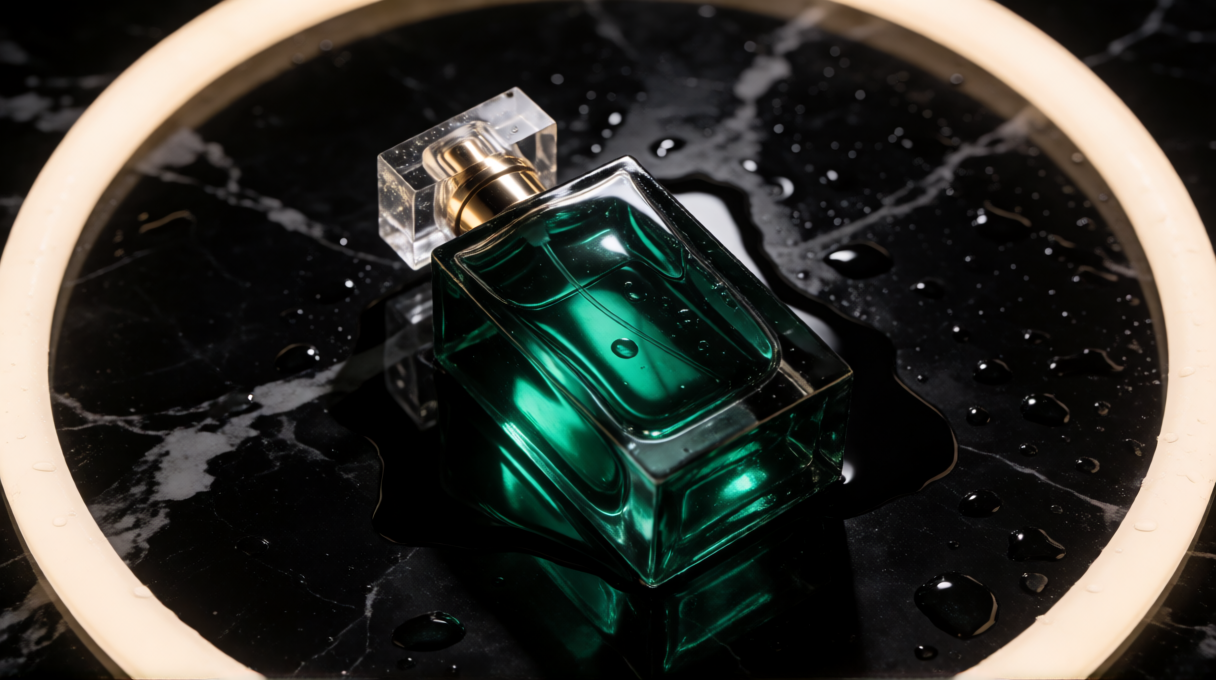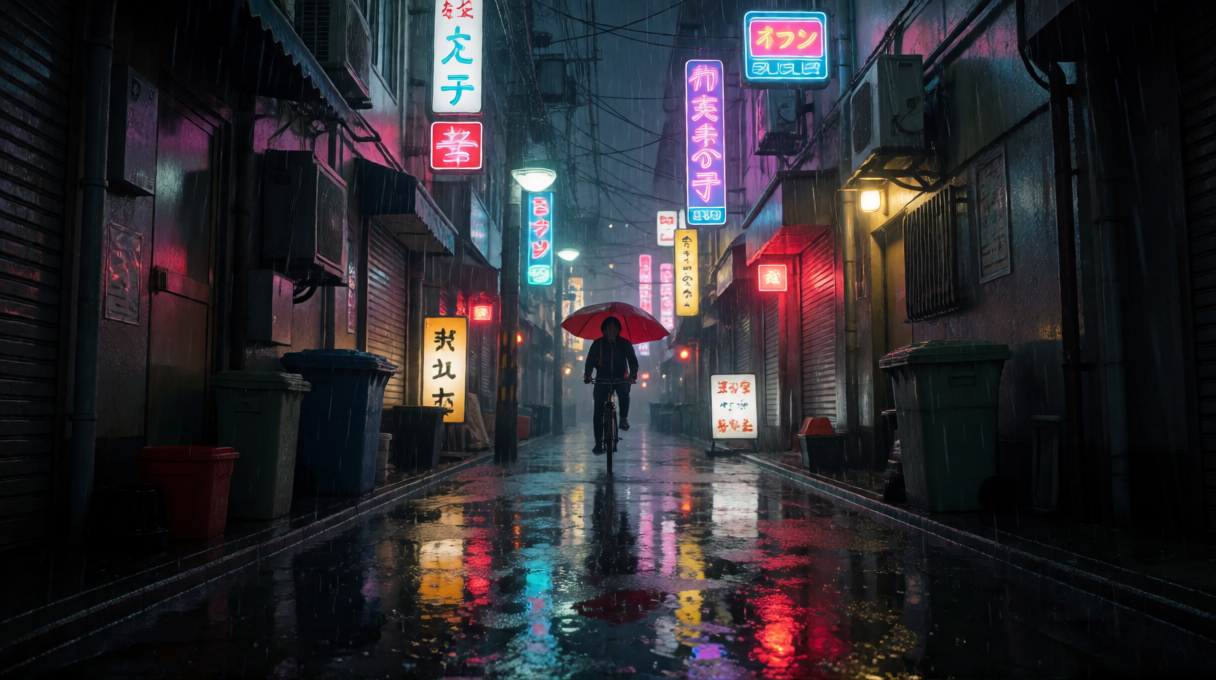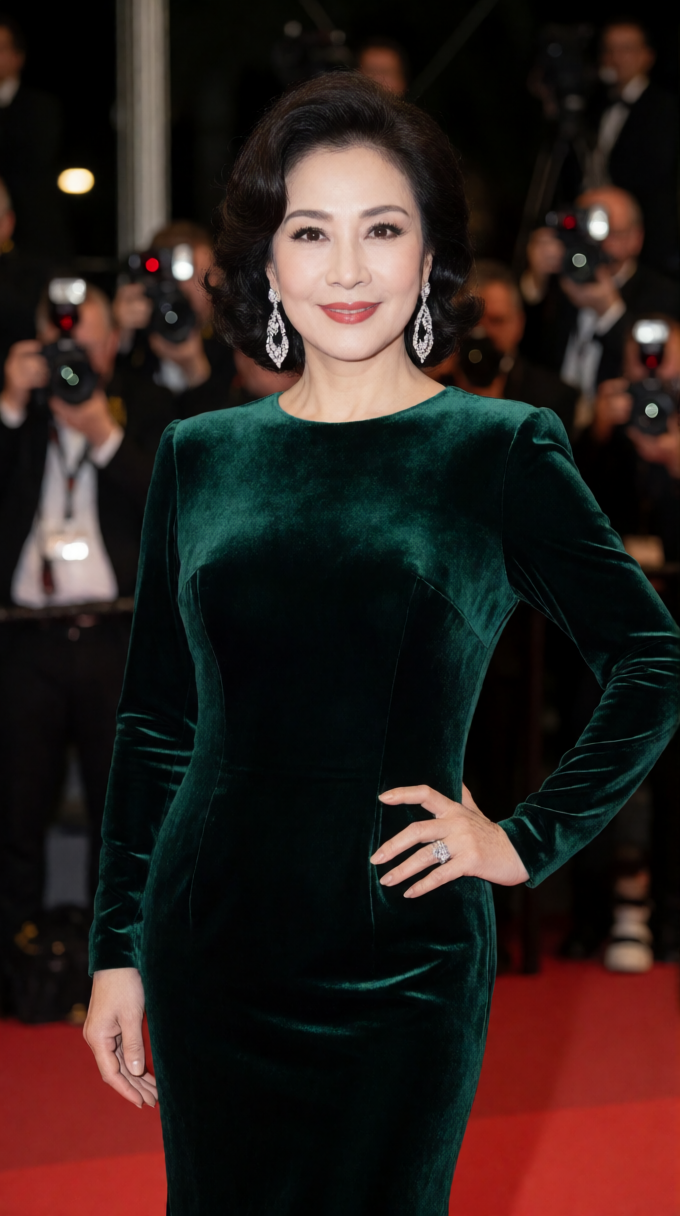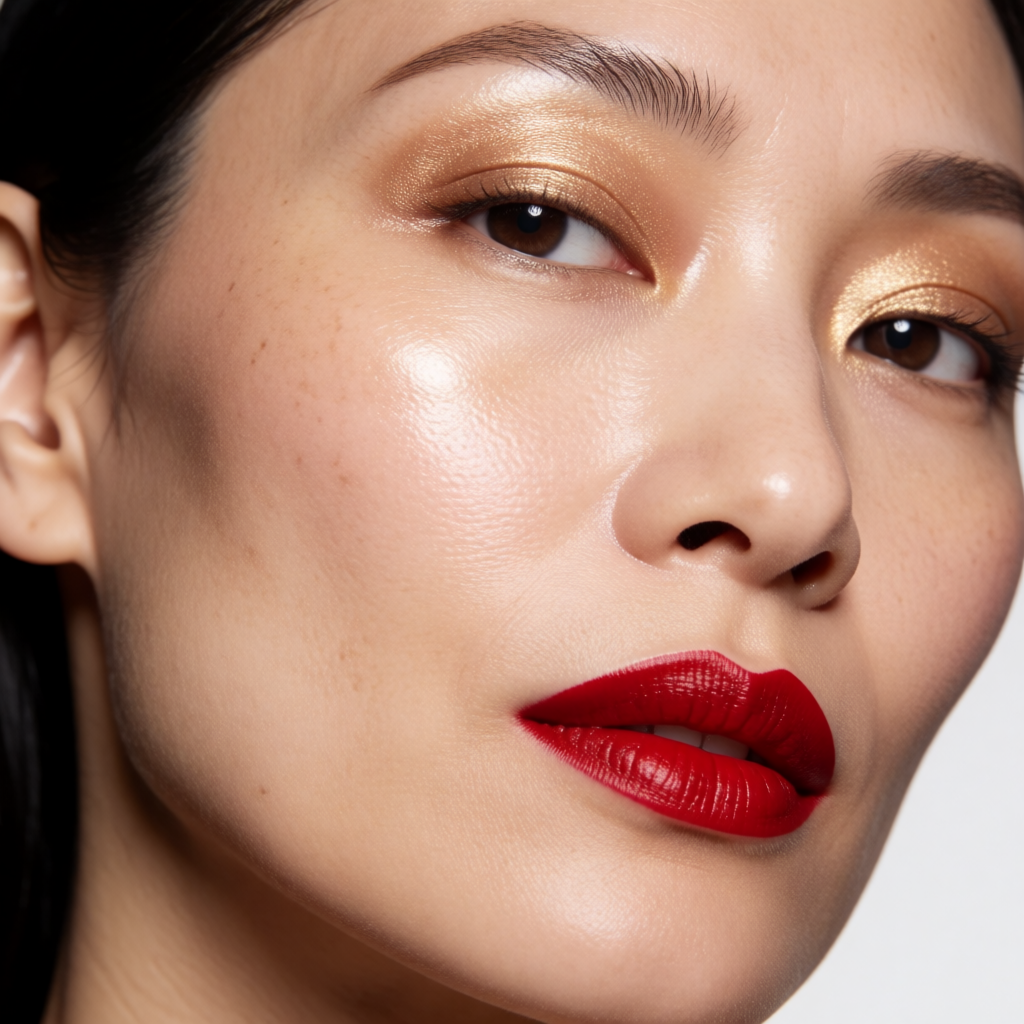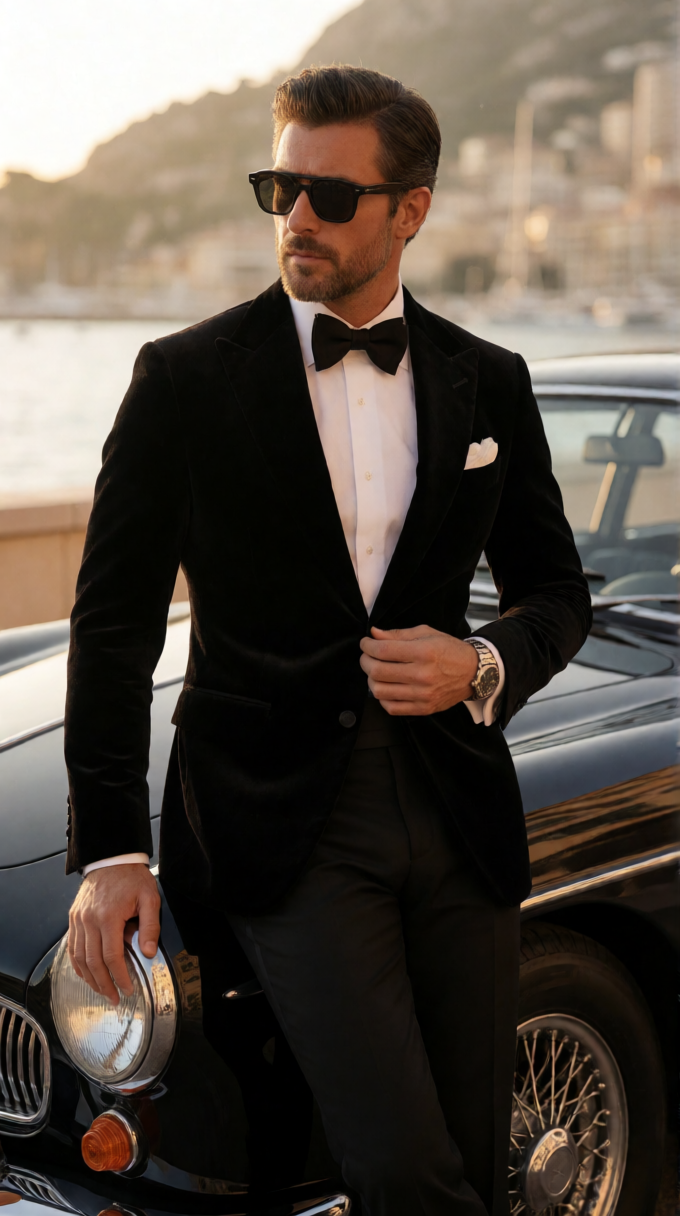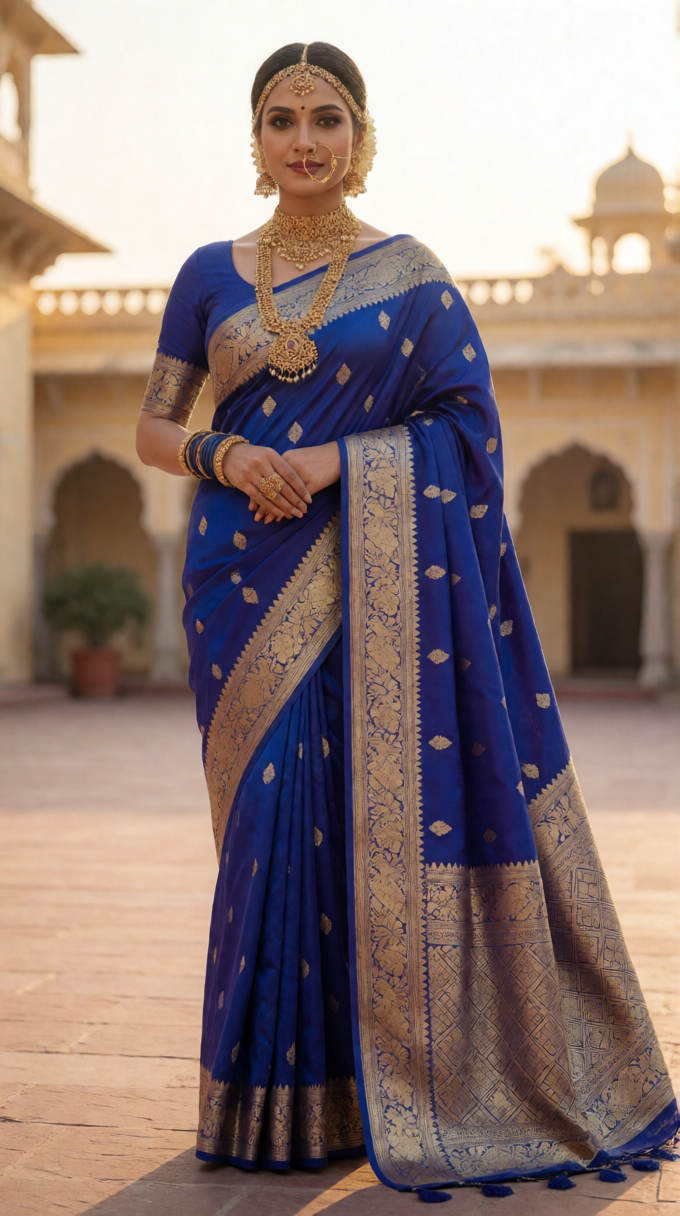
The toolkit

Every tool you'd pay for, running free

Flux 2, Wan 2.2, LTX2.3, Qwen and Ideogram 4 for images and video — plus voiceover, chat, prompt help and background removal. Pick one and go. No queue tricks, no trial credits.

Real output

Made with MiniMax H3, start to finish

Straight out of the playground — no editing, no upscaling, no watermark. Sound is generated with the video, so turn it on.

Neon night drive

One still image animated into a multi-shot sequence — reflections, engine glow and traffic all stay consistent between cuts.

Image to Video16:96.6s · 24fpsWith audio

Mountain overlook

Golden-hour scene with two people, natural body language and spoken dialogue generated alongside the picture.

Image to Video1:16.6s · 24fpsWith audio

Neon gym, heavy lift

Strain, grip and bar flex all read correctly — the hard part for most video models — with gym ambience generated to match.

16:95.2s · 24fpsWith audio

Green screen, ready to key

A full 10 seconds on a clean chroma background — skin detail and micro-expressions hold up close, so you can drop it into any scene.

9:1610.1s · 24fpsWith audio

Vertical, built for Shorts

From a text prompt only — no source image. Pick 9:16 and the resolution is chosen for you.

Text to Video9:166.6s · 24fpsWith audio
Make one yourself
Full spec sheet

Every workflow, side by side

Exact models, inputs, max resolution and clip length — so you know what you get before you spend a generation.

Workflow Engine You give You get Plan
Text → Image
Text to Image Flux 2 / SDXL family + LoRAs Prompt Up to 1216×684 · 1024×1024 square Free
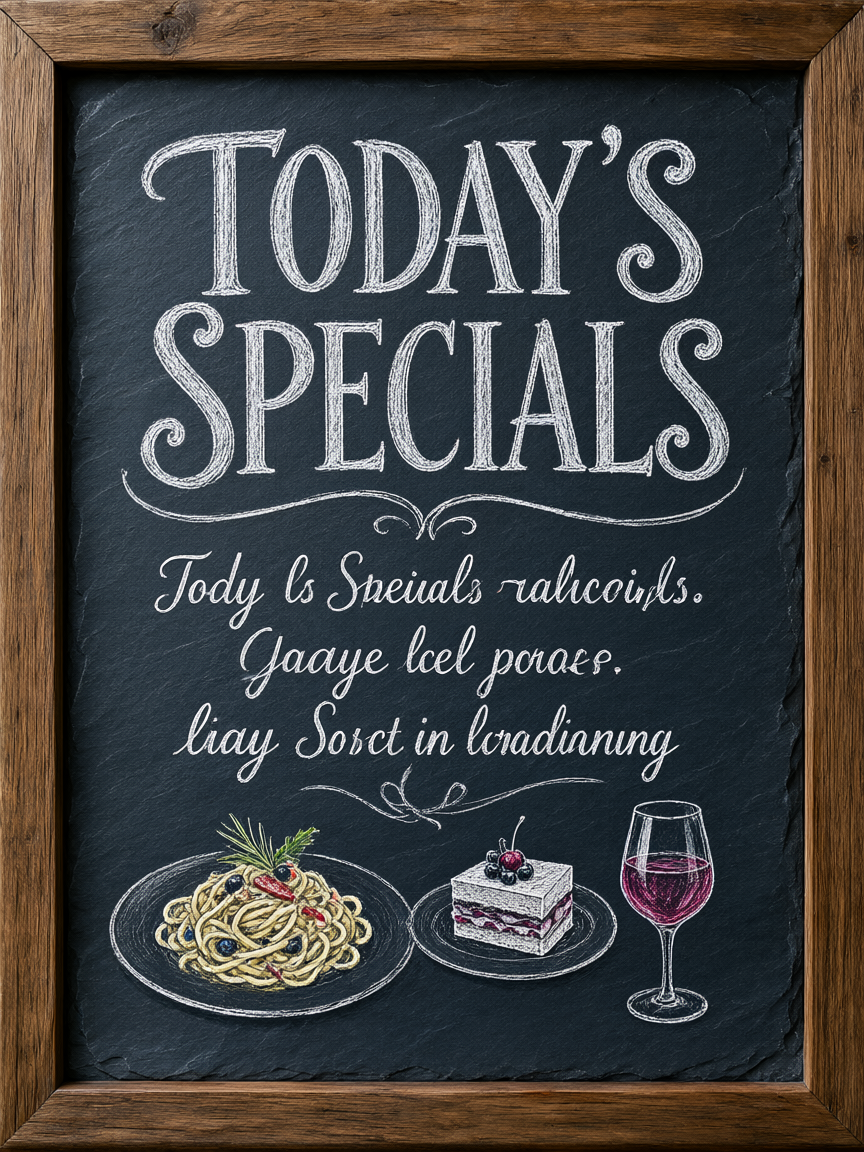
Ideogram 4 Ideogram 4 (typography) Prompt Up to ~2000 px · readable text in-image Free
Krea 2 Turbo Krea 2 Turbo (8-step) Prompt Up to 1024×1024 · ~2000 px with upscale pass Free
Z-Image Base Z-Image Prompt Up to 1024×1024 · fastest option Free
Qwen-2512 Qwen Image 2512 Prompt Up to 1024×1024 · strong realism Free
Flux 2 Klein Flux 2 Klein 9B Prompt Up to 1024×1024 Free
Flux Uncensored 18+ Flux Capacity 51 Prompt Up to 1024×1024 · no style restrictions Free
ZIT Moody 18+ Moody (ZIT) Prompt Up to 1024×1024 · no style restrictions Free
Image → Image
Image to Image SDXL family 1 image + prompt Restyled image, source ratio kept Free
Qwen Image Edit Qwen Image Edit 1–3 images + plain-English instruction Original ratio, or 1280×720 / 720×1280 Free
Flux 2 Klein Edit Flux 2 Klein Image + instruction Original ratio, or 16:9 / 9:16 Free
Face Swap Face-swap pipeline 2 images (target + face) Target image at its own resolution Free
4K Upscale SeedVR2 detail-reconstructing upscaler 1 image Up to 4K / ~100 MP, print-ready Free
Text → Video
MiniMax H3 Text to Video New Audio MiniMax H3 Prompt + aspect ratio 4–10 s · 24 fps · synced audio · resolution picked automatically PRO
LTX 2.3 Text to Video Audio LTX 2.3 Prompt 3–10 s · 25 fps · 512p–924p · synced audio PRO
Wan 2.2 Text to Video Wan 2.2 SmoothMix Prompt 3–15 s · 16 fps (32 fps smooth option) · up to 768p PRO
Wan VACE Text to Video Wan VACE Q8 Prompt ~5 s · 480×832 PRO
Image → Video
MiniMax H3 Image to Video New Audio MiniMax H3 1 image + motion prompt 4–10 s · 24 fps · synced audio · framing follows your image PRO
MiniMax H3 Reference to Video New Audio MiniMax H3 ref2va 1–4 reference images + prompt (optional: 1 reference video) 4–10 s · 24 fps · synced audio · keeps the people, style, places and motion from your references PRO
Wan 2.2 Image to Video Wan 2.2 i2v 1 image + motion prompt 3–15 s · 16 fps (32 fps smooth option) · up to 1024p PRO
LTX 2.3 Image to Video Audio LTX 2.3 1 image + motion prompt 3–10 s · 25 fps · 512p–924p · synced audio PRO
First & Last Frame Beta Wan 2.2 FLF Start image + end image 8 s morph between the two · up to 1024p PRO
Video → Video
Wan 2.2 Animate Wan 2.2 Animate Character image + driving video Follows the source clip · up to 512p PRO
Wan SCAIL Beta SCAIL-2 14B + 3D pose Character image + motion video ~3 s · 480×832 · true 3D pose transfer PRO
Wan VACE Restyle New Wan VACE Q8 + depth Video + prompt Up to 8 s · up to 720p · original motion kept PRO
Seamless Loop Wan VACE + Florence-2 Short video (auto-captioned) Perfectly looping clip · 32 fps · up to 512p PRO
Image → Text
Image to Prompt Qwen-VL 1 image A detailed prompt you can reuse or edit Free

Free runs on the free plan, no signup. PRO tools are unlimited on PRO (50 generations a day) — free accounts still get a small daily allowance of them, and the playground shows your exact remaining count.
Every output is watermark-free and auto-deleted after 4 hours.

Open the playground
How it works

Three steps. No account in any of them.

Most people are looking at their first result inside a minute.

Pick a model

Open the playground and choose what you want to make — image, video, face swap, edit or upscale. Each one is a single tile.

Describe it

Type a prompt, or upload a photo if you're animating or editing. The built-in prompt helper fills in the details you forget.

Download it

Your result lands in the browser at full resolution, watermark-free, and is wiped from our servers 4 hours later.

Try it — it's free
Who uses it

Built for people who ship every day

Creators, sellers and small teams who need images and video faster than a design queue allows.

Short-form creatorsB-roll, thumbnails and hooks for YouTube Shorts, Reels and TikTok — no stock licence to worry about.
Sellers & dropshippersProduct shots, lifestyle scenes and ad creatives without booking a photographer.
Writers & comic artistsConsistent characters across scenes, so your cast still looks like your cast on page forty.
MarketersTen ad variants in the time a brief takes to write, then upscale the winner to print.
Students & hobbyistsFull access to frontier models without a card on file or a monthly minimum.
BuildersPrototype visuals for apps and games, then automate the whole loop through the Telegram bot.

Why Choose JollyAI?

Explore the advanced features that make JollyAI the best free AI creative platform.

Flux 2 & Wan 2.2 Models

Experience the next generation of AI art with Flux 2 and Wan 2.2. These advanced models deliver unparalleled detail, prompt adherence, and artistic quality for both images and videos. Whether you're creating photorealistic portraits or anime art, our models handle it all.

Free AI Video Generator

Turn your text prompts or images into dynamic videos with our Wan 2.2 Video Generator. Create short clips, animations, and cinematic sequences instantly. Perfect for content creators looking for free text-to-video and image-to-video solutions.

AI Face Swap

Our AI Face Swap tool allows you to seamlessly replace faces in photos. Perfect for creative projects and artistic expression. It's fast, free, and produces high-quality, realistic results.

4K Image Upscaler

Don't settle for low resolution. Use our AI Image Upscaler to enhance your images up to 4K resolution (100MP). Restore old photos, improve details, and get print-ready quality for free.

Consistent Character AI

Storytellers and comic creators love our Consistent Character workflow. Generate the same character in different poses, outfits, and settings while maintaining their unique facial features and style.

Creative AI Art Generation

JollyAI provides a platform for creative expression. Generate stylised, fantasy, anime, and artistic images while following our content guidelines. Our secure system ensures your creations remain private and are deleted after 4 hours.

Secure & Private

Your privacy is our priority. JollyAI is a secure AI generator that automatically deletes all generated images and user data after 4 hours. Create artistic content with peace of mind.

Pricing

Free is genuinely free. PRO just skips the line.

You never need a card to generate on JollyAI. PRO exists for people who hit the daily cap and want the fast lane.

Free

$0 forever
  • 5 generations every day
  • All the models — images and video
  • No watermark, no signup, no card
  • Runs on its own dedicated GPU lane
Start generating
Most popular

PRO

from $4.99 / month
  • 50 generations a day
  • Priority queue on the flagship RTX 5080
  • 4K upscaling and longer video clips
  • Cancel any time — no lock-in
See PRO plans

Frequently Asked Questions About Free AI Image & Video Generation

Learn how to use JollyAI's unlimited free tools, understand our AI models (Flux 2, Wan 2.2), and discover answers to common questions about privacy, commercial use, and more.

Is JollyAI really completely free?

Yes, JollyAI is 100% free! We believe AI creativity should be accessible to everyone. You can generate high-quality images and videos using advanced models like Flux 2 and Wan 2.2 without paying a cent. We rely on community donations to keep our servers running.

What is Flux 2 AI and how do I use it?

Flux 2 is a state-of-the-art AI image generation model known for its incredible detail and prompt adherence. To use it on JollyAI, simply select the Flux 2 workflow, enter your prompt, and click generate. It's perfect for photorealistic and complex artistic styles.

How do I generate AI videos with Wan 2.2?

JollyAI uses the Wan 2.2 model for high-quality text-to-video and image-to-video generation. Select the Video Generator tool, describe your scene or upload an image, and our AI will create a cinematic video for you in seconds.

How does the AI Face Swap tool work?

Our AI Face Swap tool allows you to seamlessly replace faces in any image. Upload a target image (where you want the face to go) and a source image (the face you want to use), and our AI will handle the rest, ensuring realistic lighting and blending.

Try the free AI face swap tool — it's also a popular free Void Magic / Nova face swap alternative with no sign up and no watermark.

Does JollyAI have a free AI chatbot with no restrictions?

Yes — JollyAI includes a free AI chatbot with no restrictions: unlimited messages, no sign up required, and private conversations that are never used for training. It runs alongside our image and video generators, so you can chat, brainstorm prompts, and create — all in one place.

Is my data safe and private?

Privacy is our top priority. Unlike other platforms, JollyAI does not store your creations permanently. All generated images, videos, and prompts are automatically deleted after 4 hours. We don't sell your data or use it for training.

What images appear in the public gallery and how can I control visibility?

Gallery Visibility Control: Your generated images may appear in our public gallery to showcase community creations. PRO members can choose to hide their images from the gallery in their Profile settings.

Important Privacy Notes:

  • Uploaded Images: We never show any uploaded images used in generations (such as source images for face swaps or image-to-image) to the public.
  • Certain Workflows: Qwen, Upscale, Image-to-Video, and Image-to-Image generations are never shown in the public gallery, regardless of your membership tier.
  • Text-to-Image Generations: Standard text-to-image generations using models like Flux 2 may appear in the gallery unless you disable visibility in your Profile.

You can manage your gallery visibility settings anytime in your Profile page.

Can I use JollyAI for commercial purposes?

Yes! You own the rights to the images and videos you generate on JollyAI. You are free to use them for personal or commercial projects, provided they comply with our Acceptable Use Policy and local laws.

What are LORA models?

LORAs (Low-Rank Adaptation) are small AI models that can be added to base models like Flux or SDXL to achieve specific styles, characters, or objects. JollyAI provides a built-in LORA browser so you can easily apply unique styles to your generations.

How do I delete my account and data?

Easy Account Deletion: You can delete your account anytime from your Profile page:

  • Sign up/Login to create your account
  • Go to Profile (click your email in the top-right corner)
  • Scroll to bottom and click the red "Delete Account" link
  • Confirm deletion through the safety dialogs
  • Can I create multiple free accounts on the same IP address?

    Yes, you can create multiple free accounts! JollyAI allows you to have several accounts for different purposes or projects. However, to protect our system from abuse and ensure fair access for all users, we implement a security measure:

    30-Minute Cooldown Period: When you log out from one account and try to log in to a different account from the same IP address, you'll need to wait 30 minutes before the switch. This helps prevent automated account creation and ensures everyone gets a fair chance to use our free tools.

    Why this matters: This cooldown protects against spam account creation and helps maintain service quality for all users. You can still use the same account as much as you want without any restrictions - the cooldown only applies when switching between different accounts from the same IP.

    Tip: If you need to work with multiple projects, consider using different devices or networks, or simply stay logged into one account for your session.

    How does FREE job processing work in the queue?

    🚀 Dual-GPU lanes (live since 2026-06-02): JollyAI now runs two physical GPUs in parallel — each tier has its own dedicated card, so PRO jobs and FREE jobs no longer wait behind each other.

    🎮 RTX 5080 PRO lane — flagship Blackwell GPU dedicated to PRO and admin jobs.

    🎮 RTX 4080 Super FREE lane — dedicated to FREE / guest jobs. FREE users no longer queue behind PRO.

    What this means in practice:

    • Shorter waits for FREE users: Your job goes to the 4080 Super lane regardless of how many PRO jobs are queued. You don't sit behind them anymore.
    • Faster PRO processing: PRO and admin jobs run on the flagship RTX 5080 without competition from FREE traffic.
    • True parallelism: If both lanes have work, both run at the same time on two physical cards — up to 2× throughput.
    • Smart fallback: If one lane is empty, the other lane picks up the spare work so no GPU sits idle.

    You can see this live on the queue display below your generation — each in-progress job shows a colored badge for the GPU lane running it (🎮 GPU 1 or 🎮 GPU 2).

    PRO is still the way to go faster: PRO and admin jobs run on the flagship lane (GPU 1) and skip ahead of FREE waits. Upgrade to PRO.

    How to earn PRO days for FREE?

    Mention JollyAI on social media and earn 2 free PRO days per approved mention!

    Here's how it works:

    • Post about JollyAI on X (Twitter), Instagram, Reddit, Facebook, YouTube, or any public platform. Any positive mention counts — text, image, or a video you generated here.
    • Submit your post link at jollyai.online/mention_us.php. Our team reviews it within 24–48 hours.
    • Get 2 PRO days added directly to your account for every approved mention. No limit — submit as many times as you like!

    PRO days extend your existing PRO subscription or activate a new one if you're on the free plan. Visit your Profile to see your updated PRO status after approval.

    What is SUPER and how do I get it?

    SUPER is a private, hand-tuned plan for clients who need a custom workflow with priority queue access — above PRO.

    Key facts:

    • Top-of-queue priority: SUPER jobs are processed ahead of PRO and TRIAL PRO — the moment a job lands, it's next in line.
    • 10 generations/day cap: a hard daily limit guarantees consistent throughput for everyone on the tier.
    • Bespoke workflow: the workflow is tweaked for your specific use case — resolution, frame rate, sampling steps, model loadout.
    • Invite-only: SUPER plans aren't listed on the public pricing page; access is granted after a paid agreement.
    • Typical pricing: ~$200–$350 for 30 days at 10 jobs/day (final quote depends on workflow complexity).

    How to get a SUPER plan (3 steps):

    1. Email jolly.exe@gmail.com with your workflow details (base model, resolution, frame rate, output duration, daily volume).
    2. Discuss and finalize the deal — payment via PayPal or Razorpay; we then whitelist your email.
    3. Sign up with the whitelisted email — your custom workflow auto-activates on first login.

    👉 Visit the SUPER overview page for the full breakdown, example configuration, and contact CTA.

    Your first generation is about sixty seconds away

    No account, no card, no watermark. Open the playground, type what you want, and see it.